
#Use cases
A use case is one goal a persona reaches with your product, written as a scenario: who acts, the steps, the alternatives, and the acceptance criteria that say it works. Use cases are what requirements are verified by, and what a run checks.
Use cases are part of the Requirements option of the Plan capability. See Personas for turning it on.
#The Use cases tab
The Use cases tab of the Requirements page lists every use case,
numbered #U1, #U2 and so on, grouped by Epic by default. Group by
also offers Persona, Status and None, and a group folds with a
click on its title.
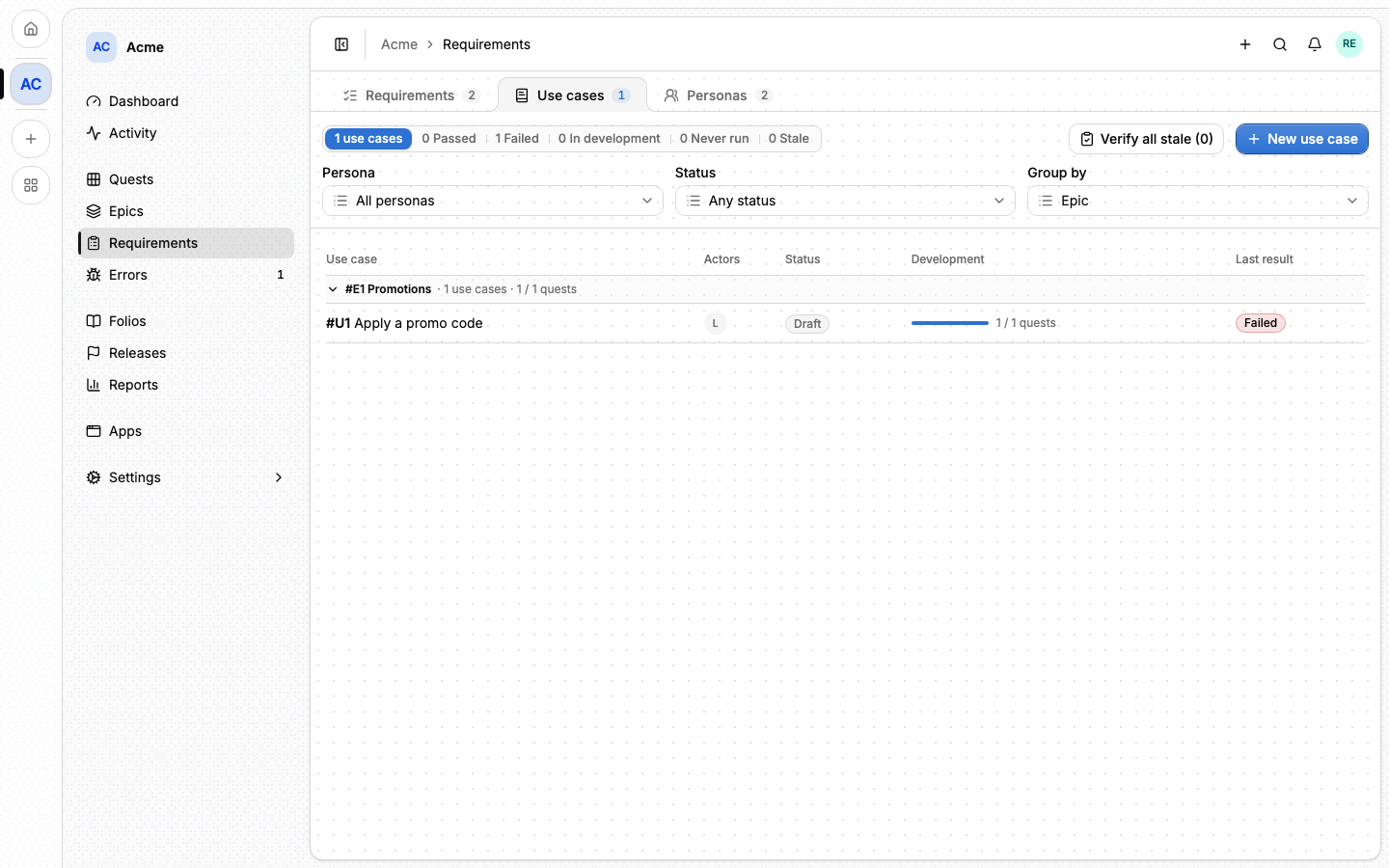
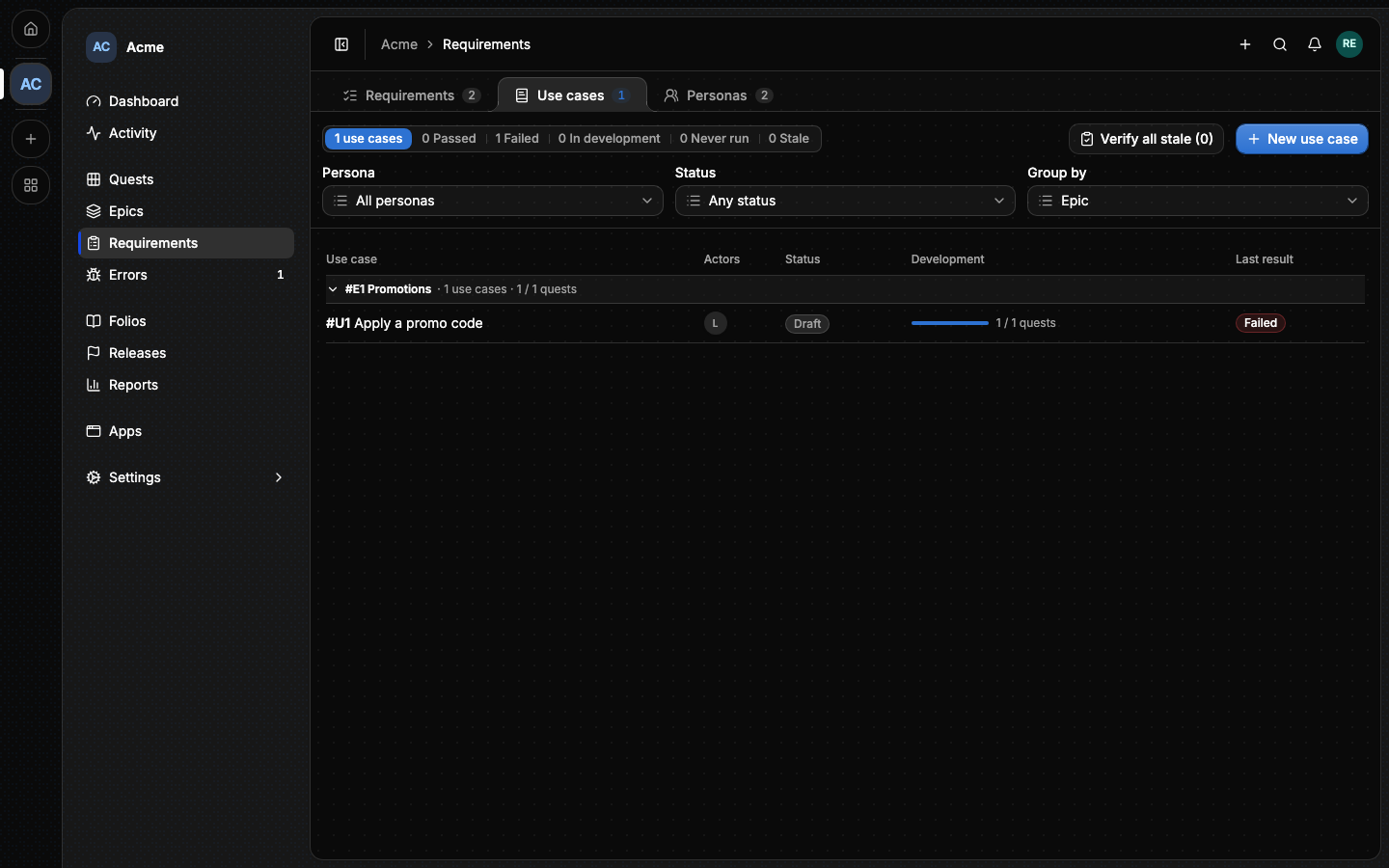
The counters at the top filter the list by Last result: Passed, Failed, In development, Never run and Stale. Each row shows the use case's actors, its status, how many quests of its epics are done (Development) and its last result. Verify all stale opens the Verify dialog on every stale use case.
#Writing a use case
New use case opens the form:
- Title, Priority and Preconditions.
- Actors: the personas who play it, one Primary, others Beneficiary or System.
- Steps: numbered, each played by an actor or by the system.
- Alternatives: what happens otherwise, keyed
4a,4b. - Acceptance criteria:
C1,C2, each a sentence or Given, When, Then, and how it is checked (Agent, Manual or end-to-end). A criterion's key is never reused, even after it is removed. - Starting data, Automated test and Test tag: where its data and its end-to-end spec live.
Changing the steps or the criteria bumps the scenario's version, which makes its last run stale.
#A use case's page
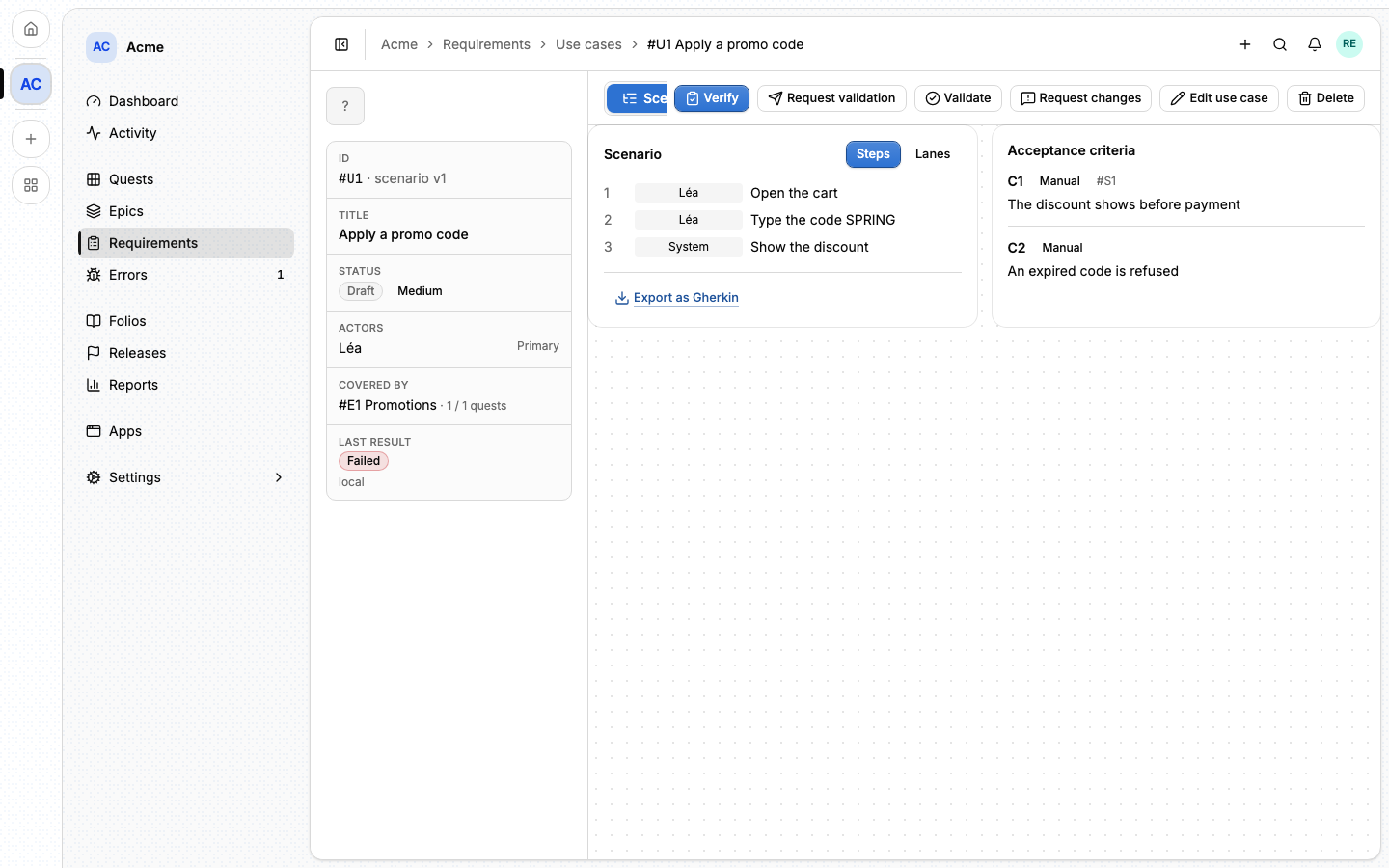
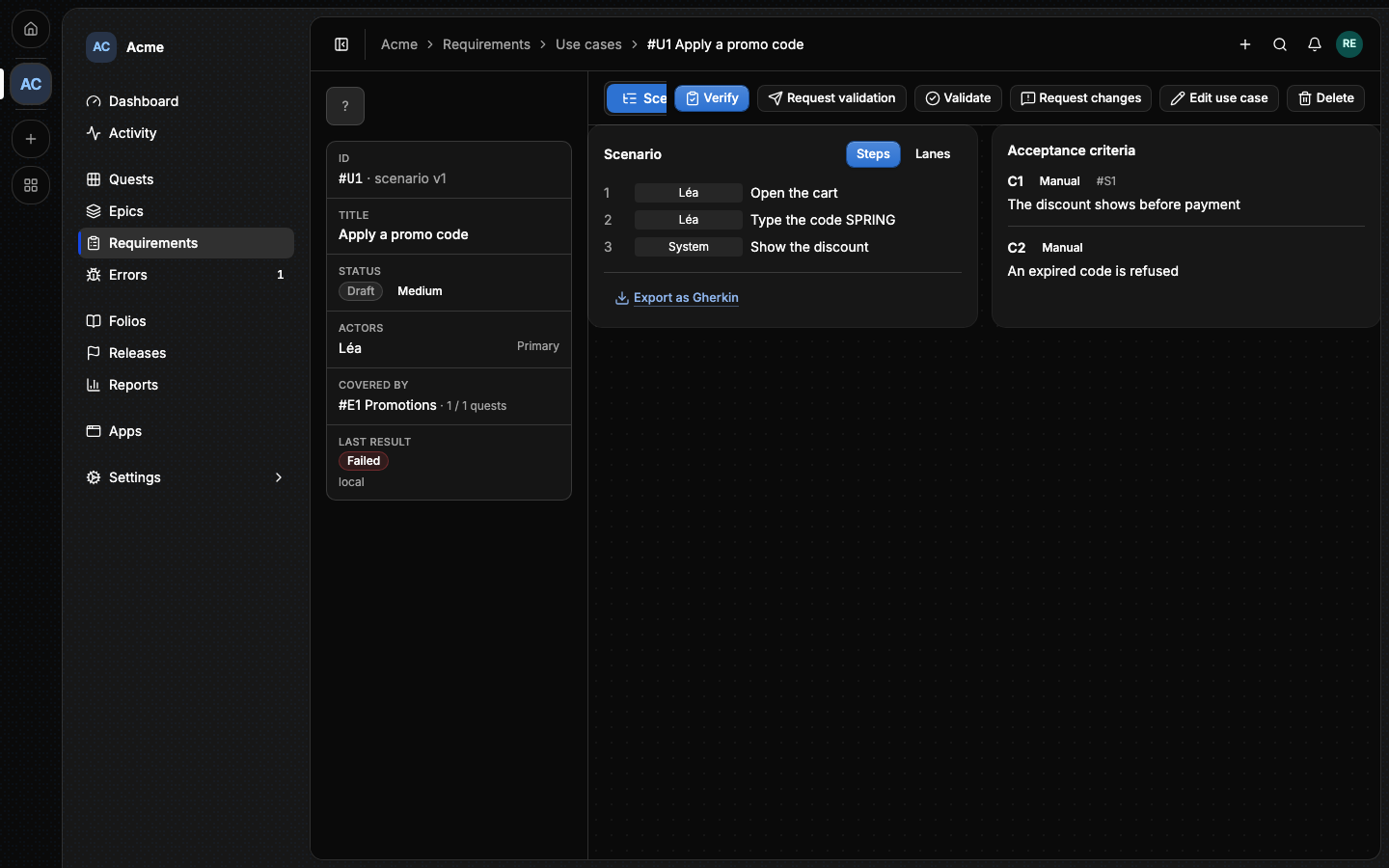
The page shows the scenario as Steps or Lanes (one lane per actor), its acceptance criteria and the requirement each one verifies. Export as Gherkin copies it as a feature file. The other tabs:
- Coverage: the epics covering the use case and their quests. An epic covers a use case when it delivers it; Development is how many of their quests are done.
- Runs: every recorded run, newest first, with one result per criterion and its evidence.
- Activity.
#Validation
A use case is Draft until someone validates it. Request validation
notifies the members who hold usecase:validate (the owner and Admins by
default). They answer with Validate or Request changes, with a note.
A validated use case edited afterwards goes back to Ready.
#From the command line
lore usecase list --project acme
lore usecase create --title "Apply a promo code" --actor A1 \
  --criteria '[{"text":"The discount shows"}]'
lore usecase get U7
lore usecase link epic U7 --epic E5
lore usecase validate U7 --decision validated --note "Matches the spec"
See The lore CLI.
#From an agent
An agent works with usecase_list, usecase_get, usecase_create,
usecase_update, usecase_delete, usecase_comment_add,
usecase_link_epic and usecase_validate. usecase_create assigns the
criteria keys. A use case is referenced as [[#U7]]. The full list is in
MCP tools.
#Next
- Requirements: what the criteria verify.
- Verify and runs: recording whether it works.