
#Verify and runs
Lore runs no agent and no test. Verify builds the prompt you paste into an agent, or the command that prints it, and a run records what came of it: one result per acceptance criterion, with its evidence.
Verify and runs are part of the Requirements option of the Plan capability. See Personas for turning it on.
#The Verify dialog
Verify is on a use case's page, on a persona's page, and as Verify all stale on the Use cases tab. It opens a dialog:
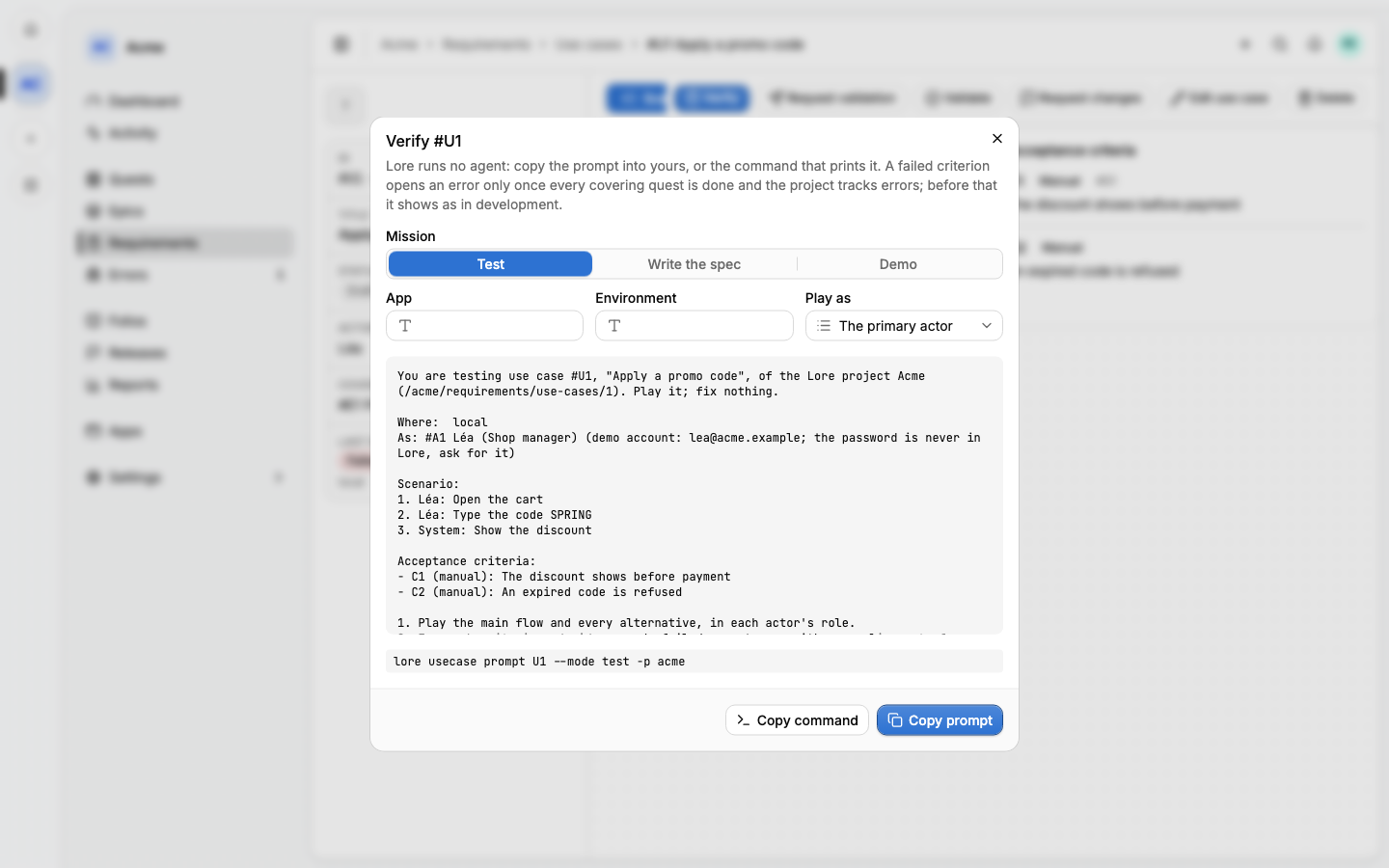
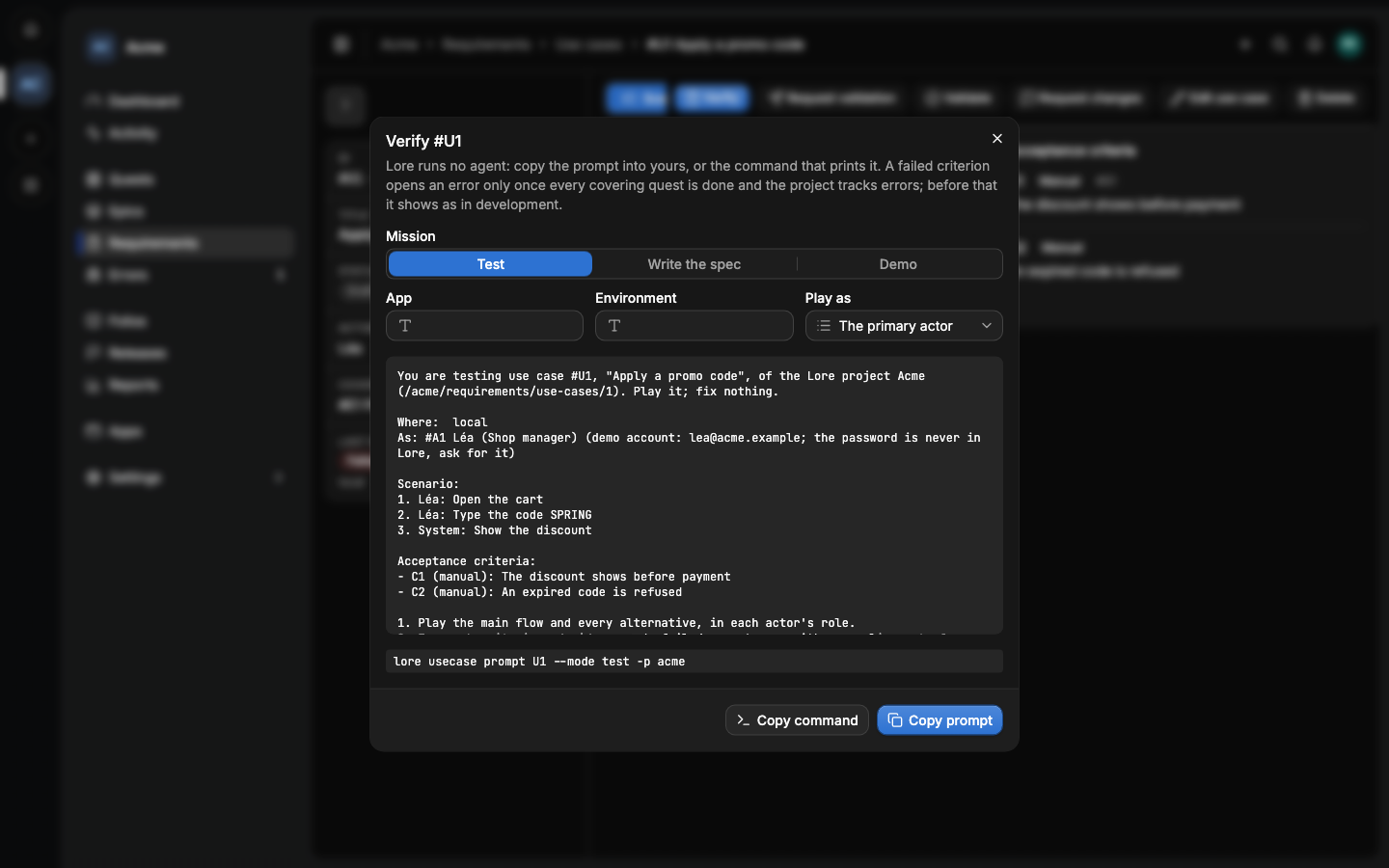
- Mission: Test (play the criteria and record one run, fixing
nothing), Write the spec (an end-to-end spec tagged
@U7), Demo (a demo script and its data) or, on a persona, Explore (exploratory testing in their shoes). - App and Environment: the app copy to play on, or
local. - Play as: the persona whose role the agent takes.
The preview is the prompt itself. Copy prompt copies it; Copy command
copies the lore usecase prompt line that prints the same text.
The prompts are templates the project can edit in Settings ▸ Agent
prompts, which lists them whenever the Requirements option is on. Besides
the usual placeholders, they fill {{steps}}, {{criteria}}, {{persona}},
{{demoAccount}}, {{app}}, {{env}} and {{appUrl}}.
#Runs
A run is recorded by an agent, by CI, or by hand. It holds one result per criterion (Passed, Failed or Not run), who ran it, where and when. The use case's Runs tab lists them, and its last result shows on the Use cases tab.
A run goes stale when a quest of an epic covering the use case completes after it, or when the scenario changes: run it again. A banner on the use case says so.
A failed criterion opens an error in the project's errors inbox once every quest covering the use case is done, and only when the project has Ship's Track option on. While the quests are open, the failure is In development and opens nothing. A later pass resolves the error.
#Evidence
Screenshots and recordings are attached to a run, on a criterion or a step, up to 50 MB a file. They are kept for the current release and the three before it, and within a release only for the latest run of each use case. An older run keeps its results and shows "recording no longer kept".
#From Playwright
A project's end-to-end specs can record their runs themselves. Tag a test with its use case and criterion, and add Lore's reporter:
1// playwright.config.ts2export default defineConfig({3 reporter: [["list"], ["@alepha/lore/playwright"]],4});1test("the discount shows @U7 @C2", async ({ page }) => {2 // ...3});#From the command line
lore usecase prompt U7 --mode test --app acme --env staging
lore usecase run record U7 --by agent --result "C1=passed,C2=failed:no discount"
lore attachments push --run 41 --criterion C2 screenshot.png
See The lore CLI.
#From an agent
usecase_prompt returns the same prompt as the dialog, and
usecase_run_record records a run. An agent following a Test prompt plays
the criteria, records one run, and fixes nothing. The full list is in
MCP tools.
#Next
- Traceability: what the runs add up to.
- Personas: the showcase of their recordings.