
#Members and ranks
A project belongs to the people in it. This page covers inviting them, deciding what each of them can do, and handing the project over.
Everything here lives in Settings ▸ Members, which has two tabs: Members and Ranks.
#Inviting someone
- Open Settings ▸ Members and choose Invite.
- Enter the person's email address, pick their rank (Member unless you choose another) and send the invitation.
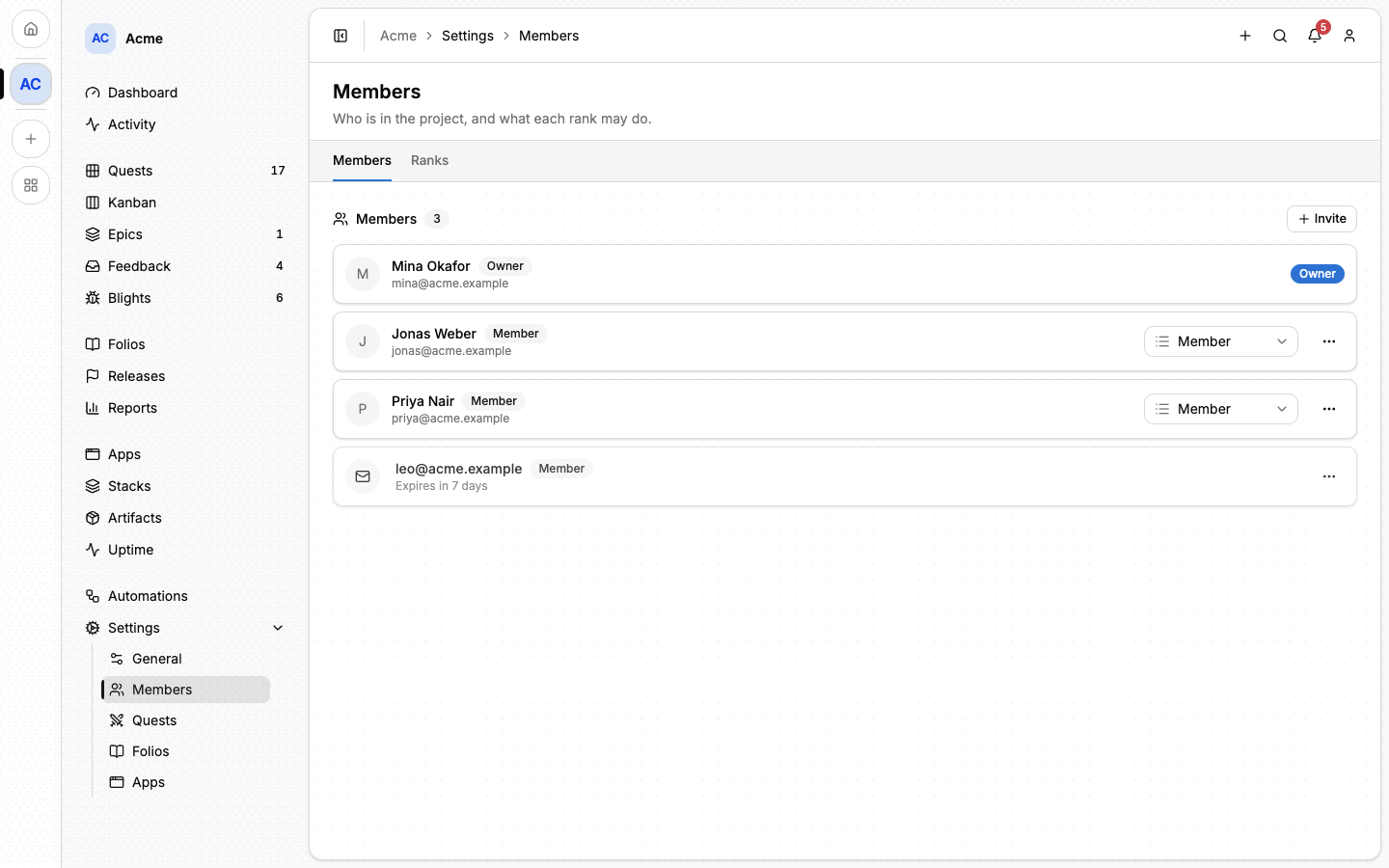
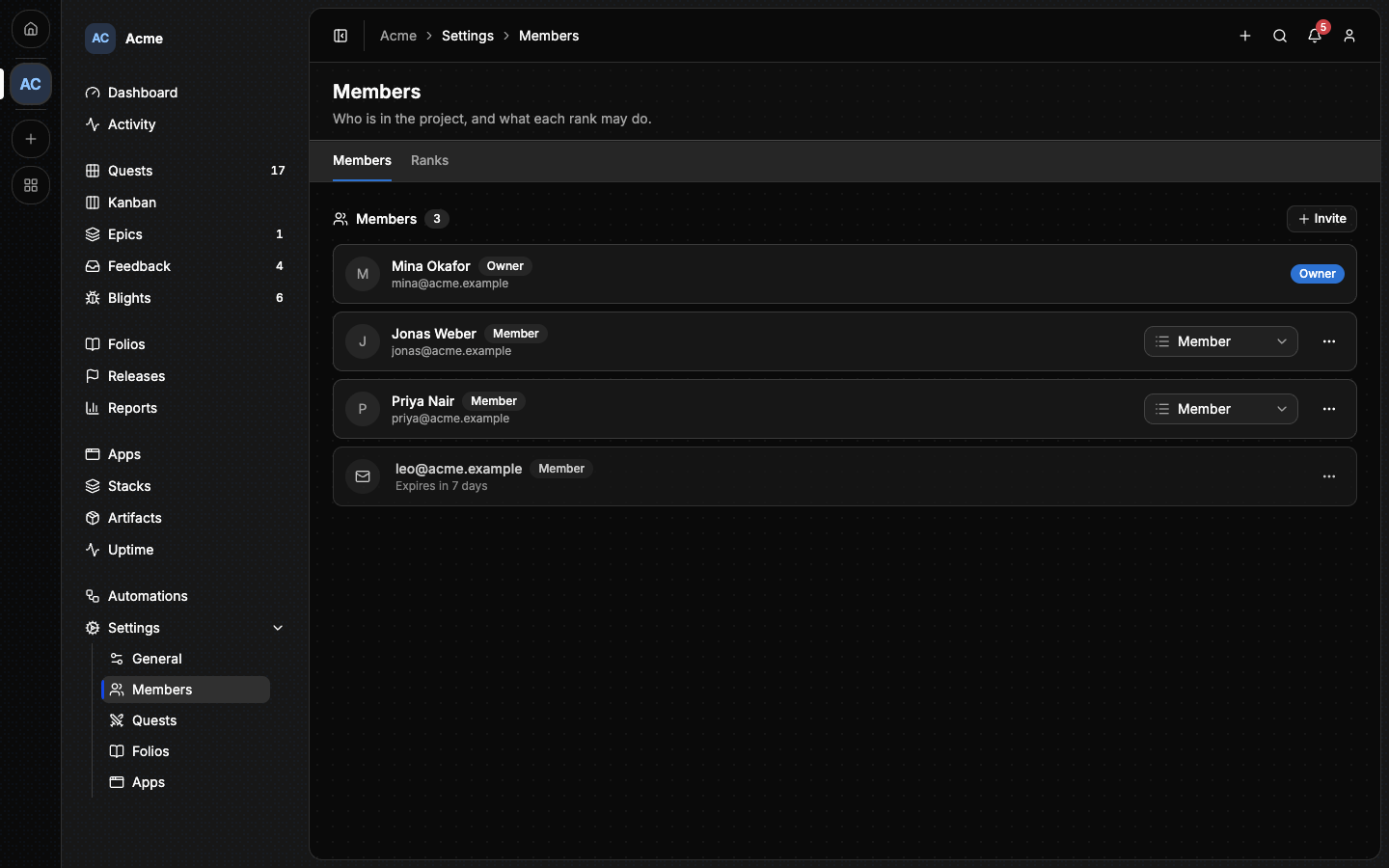
The invitation is sent by email and appears in the list until it is answered. It expires after seven days, and its menu lets you withdraw it before then.
- Someone who already has an account also finds the invitation under Invitations in their account, and in their notifications.
- Someone who has no account yet follows the link in the email, creates one and joins the project in the same step. This works even on an instance where registration is otherwise closed.
Once accepted, the person is a member with the rank the invitation named.
#Ranks
A rank is a named set of permissions. Every member has exactly one.
A new project has two:
- Owner: the person who created the project. There is exactly one owner, and the owner can do everything.
- Member: can read the whole project and do its daily work (create and move quests, write epics and folios, push builds) but not administer it: no inviting, no ranks, no releases to publish, no feedback to triage.
That is enough for a small team. When you need finer access, open the Ranks tab and choose Create rank. Three presets are offered as starting points:
| Preset | Meant for |
|---|---|
| Admin | Someone who runs the project with you: everything except the owner's own. |
| Contributor | Someone who does the work: writes quests, epics and folios. |
| Viewer | Someone who only reads. |
A preset is only a starting point. The Ranks tab is a grid, one row per permission and one column per rank: tick what each rank may do.
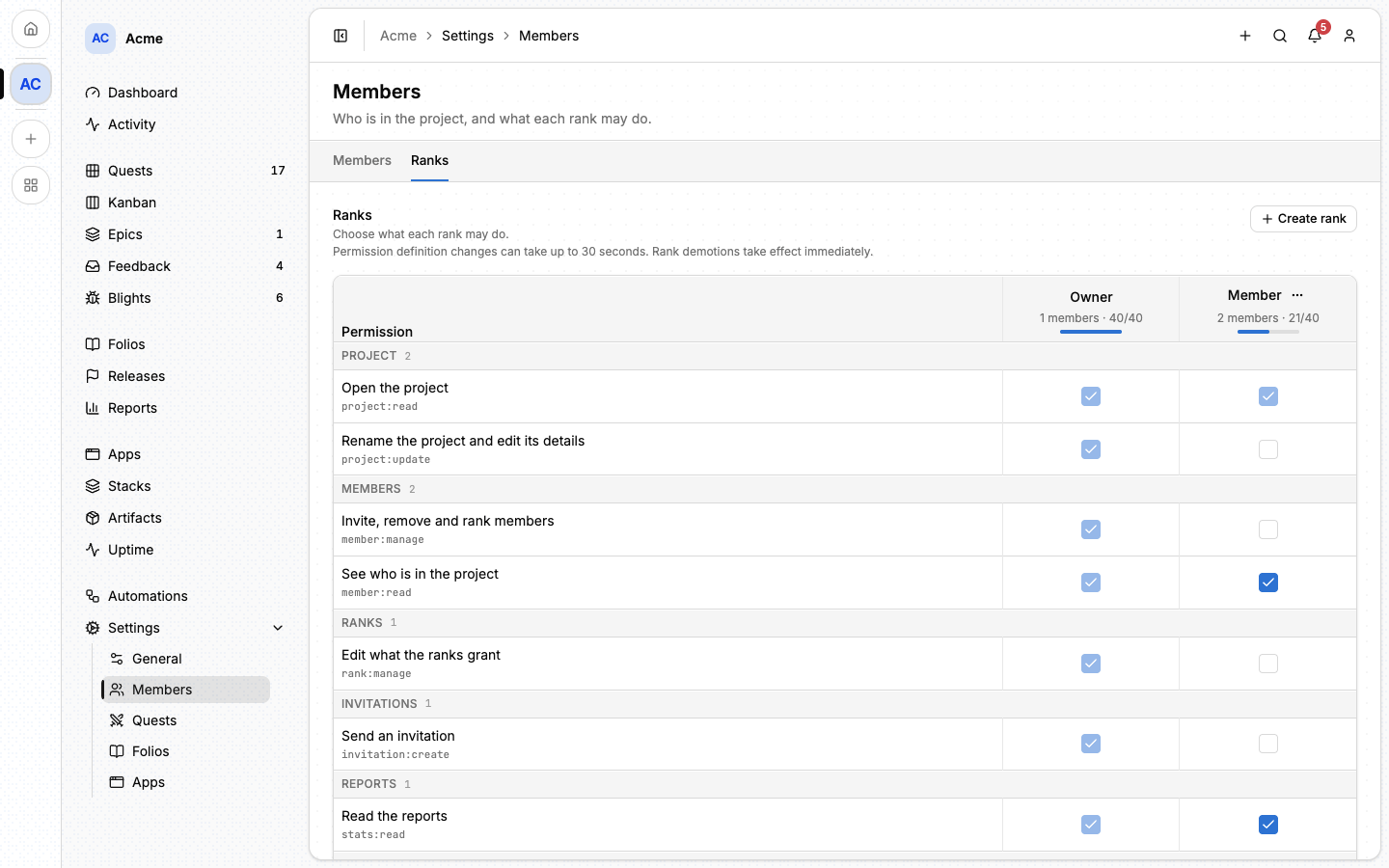
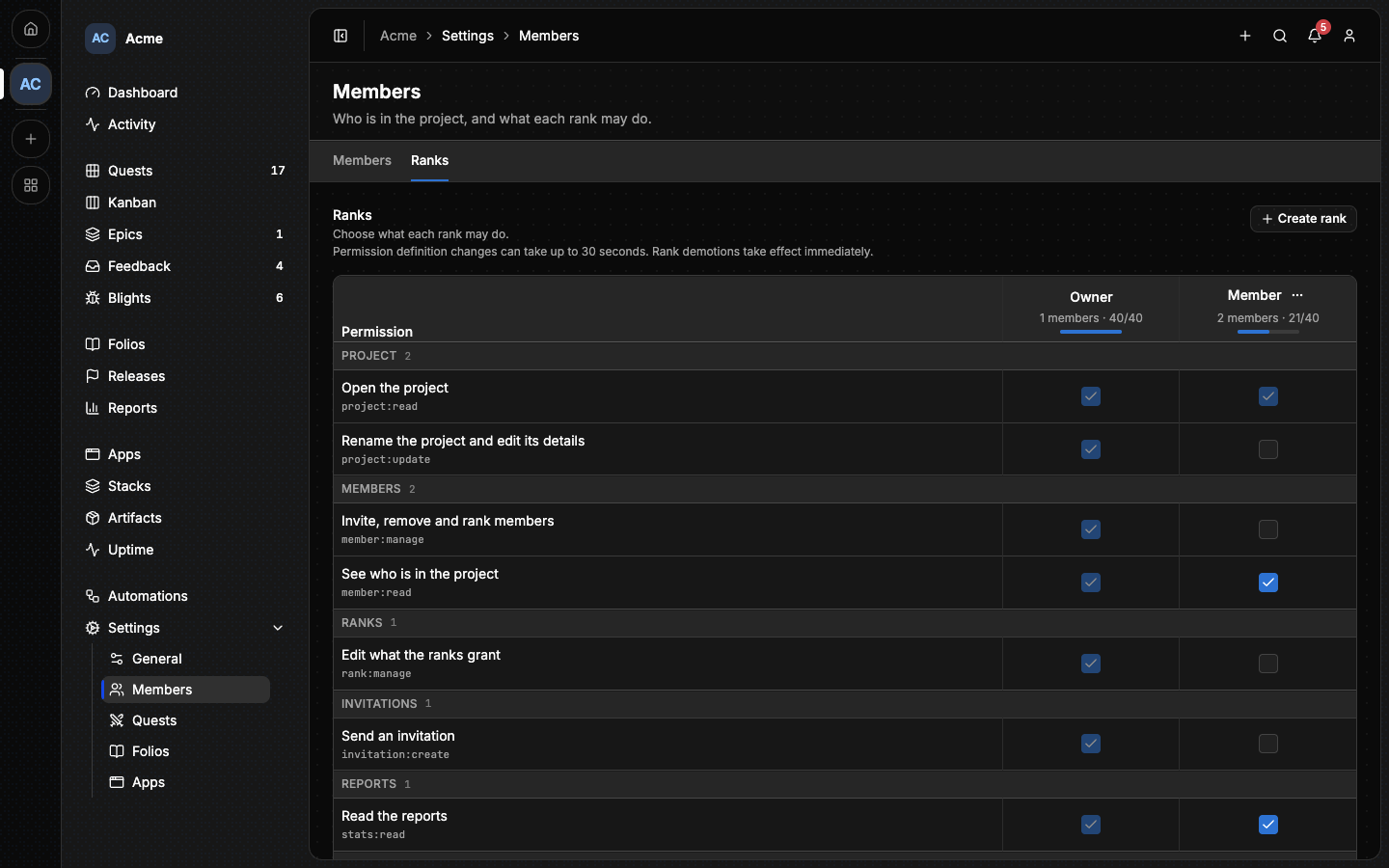
Permissions are grouped the way the project is: Project, Members, Quests, Epics, Releases, Folios, Feedback, Apps, Estates and so on, each spelled out in plain words ("Create, edit and publish releases"). A group only appears when its capability is on.
To change someone's rank, pick another one in their row of the Members tab. Taking a permission away from a person applies at once. A change to what a rank grants can take up to 30 seconds to reach everyone who holds it.
#What only the owner can do
Two things can never be granted to a rank:
- deleting the project;
- turning capabilities on and off.
#What a person can actually do
Three things have to agree before an action is allowed:
- what the instance lets the account do;
- what the person's rank grants in this project;
- which capabilities the project has on. A rank cannot reach into a capability that is off.
The same rules apply to an agent or a script acting for that person: see Connecting an agent.
#Removing a member
Open the member's menu in the Members tab and remove them. They lose access to the project at once.
#Transferring ownership
Ownership is handed over, never shared. From a member's menu, choose Transfer ownership, then pick the rank you will hold afterwards.
⚠️ You cannot undo this yourself. The other person becomes the owner, and only they can give the project back.
#Next
- Capabilities: what the project does, which decides what ranks have to cover.
- Notifications: how members hear about what concerns them.
- Estates: who may add and change the machines a project deploys to.